
AI Feature Integration — Add LLM-Powered Features to Your Product
Xeverse provides AI feature integration for SaaS and product teams that need to add AI to an existing product — not rebuild from scratch. We embed LLM-powered copilots, semantic search, document intelligence, and RAG pipelines into your current stack with guardrails, cost controls, and evaluation harnesses so features ship to production users, not demo environments.
LLM features embedded where your users already work
Our LLM integration service focuses on product-native AI — features inside existing screens and workflows, not disconnected chat widgets. Every engagement defines what gets automated, what stays human-reviewed, and how accuracy and cost are measured after launch.
Semantic search & embeddings
Vector database integration for product search, knowledge bases, and recommendation surfaces. We chunk, embed, and index your content with tenant-aware scoping when you add AI to SaaS — so each customer retrieves only their data. Hybrid search combines keyword and vector results for higher precision than embeddings alone.
RAG pipelines & document AI
Retrieval-augmented generation for summaries, Q&A, and draft generation grounded in your docs, tickets, or records. Prompt guardrails, structured output validation, and citation trails keep outputs auditable — the same patterns we used in our AI-Powered SaaS Platform case study for compliance workflows with human-in-the-loop review.
In-product copilots & smart actions
Contextual copilots that read the screen, entity, or record a user is working on and suggest next steps, draft replies, or fill fields. OpenAI integration development is wired through LangChain orchestration with rate limits, fallbacks, and logging — so product teams see latency, token cost, and failure modes per feature.
Audit → design → integrate → validate → monitor
AI feature integration should reduce risk to your core product, not add a parallel codebase nobody maintains. Our process keeps your existing auth, billing, and data model intact while AI layers plug in through clear API boundaries.
Audit
We review your product architecture, data sources, compliance constraints, and the user workflow targeted for AI. You get a feasibility assessment — what RAG can reliably do today versus what needs rules or human approval.
Design
Feature specs, model selection, vector index strategy, and UX for AI outputs — including edit-before-send, confidence indicators, and escalation paths. Integration points with your API and frontend are documented before build.
Integrate
We implement OpenAI API calls, LangChain chains, embedding jobs, and UI components in focused sprints. Feature flags and staging environments let you test with internal users before broad rollout.
Validate
Evaluation datasets, regression tests, and red-team prompts catch quality drift before customers do. We tune retrieval, prompts, and thresholds against your acceptance criteria — not generic benchmarks.
Monitor
Post-launch dashboards track accuracy samples, latency, cost per request, and user edits to AI output. Iteration sprints improve coverage and reduce spend as usage patterns become clear.
LLM integration built for production SaaS
We add AI to your product with OpenAI, LangChain, vector search, and RAG pipelines — scoped for accuracy, cost control, and tenant isolation when you need to add AI to SaaS without shipping a fragile chatbot sidebar.
- OpenAI API
- LangChain
- Vector databases
- Embeddings
- RAG pipelines
AI-Powered SaaS Platform
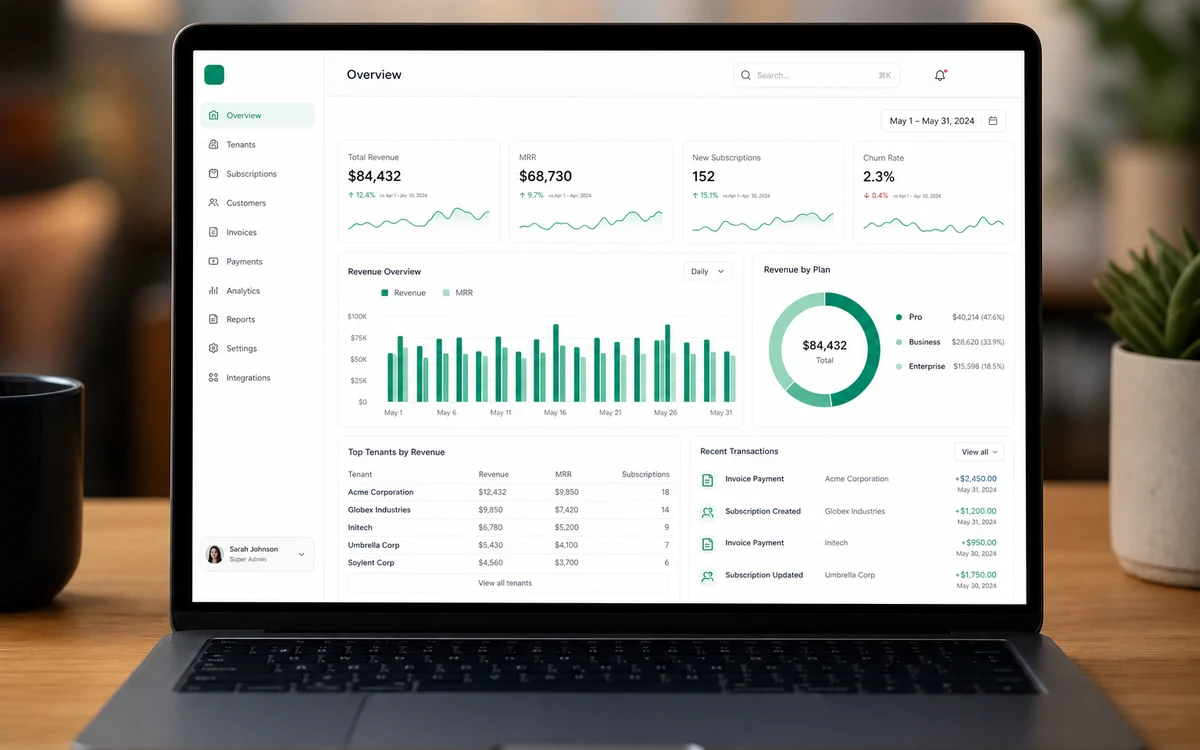
How Xeverse built a multi-tenant AI SaaS platform with Stripe billing, tenant isolation, and RAG-powered compliance workflows in 8 weeks for a FinTech startup.
Delivery timeline
8 weeks
Tenant onboarding
< 5 minutes
Manual compliance review
−62%
Another case study
AI Agent Operations Hub
Case study: multi-agent AI operations hub with LangGraph, human-in-the-loop approvals, and queue automation — saving 18+ hours per week for a B2B team.
Articles for founders evaluating this service
AI feature integration — common questions
What is AI feature integration versus building AI agents?
AI feature integration embeds LLM capabilities into your existing product — semantic search, summaries, copilots, classifications, recommendations — within current screens, permissions, and data models. Users stay in familiar workflows; intelligence appears where it saves time. AI agents automate multi-step processes across systems with orchestration, tool use, and operator consoles — better for back-office automation than a single button in an app. Many teams start with feature integration to prove value on one surface, then expand into agentic automation when workflows span multiple tools. We help you choose the right shape so you do not over-build an agent platform when a grounded copilot solves the problem, or under-build a chat widget when the real need is end-to-end automation.
How long does OpenAI integration development take?
A single focused feature — semantic search over your docs or a grounded summary flow on one screen — often ships in three to six weeks including UI, API, retrieval, and basic evals. Multiple RAG surfaces, per-tenant vector indexes, admin tooling for content, and compliance review commonly run six to ten weeks. Timeline depends on data quality, existing API maturity, and how much product design sits alongside the model layer. Discovery maps which feature moves a metric — activation, time-on-task, support deflection — so scope stays tight. We deliver fixed milestones after a technical spike on the riskiest integration. Pilots can launch behind feature flags to a beta cohort before full rollout, which reduces risk for first LLM features in production.
Can you add AI to our existing SaaS without a rewrite?
Yes. That is the default engagement. We integrate through your APIs, auth tokens, component library, and deployment pipeline — not a parallel product your team must reconcile later. Vector indexes and background embedding jobs are added alongside your current database when retrieval is required. Feature flags and per-tenant configuration keep rollout controlled. We avoid the trap of a standalone AI demo that bypasses permissions and billing. Existing customers should see AI as a natural extension of the product they already pay for. If the codebase is healthy, integration is incremental; if debt blocks safe extension, we say so in discovery and scope remediation explicitly rather than bolting on fragile prompts.
What vector database and embedding approach do you use?
We select vector stores based on scale, tenancy, ops comfort, and existing infrastructure — PostgreSQL pgvector, Pinecone, or managed search options where appropriate. Embeddings are chosen for retrieval quality and cost per document; we version indexes and support re-embedding when models or content structures change. Chunking strategy, metadata filters, and access control matter as much as the database logo — tenants must only retrieve their own data. For smaller corpora, simpler setups win; for large multi-tenant knowledge bases, we design ingestion pipelines and monitoring. Evaluation harnesses with representative queries run on schedule so retrieval regressions surface before users notice. The approach is documented for your team to operate after handoff.
How do you control LLM cost and quality in production?
Caching, token budgets, model routing, retrieval limits, and human review gates keep spend predictable without killing usefulness. Structured logging ties each response to inputs, retrieval context, and model version so debugging is possible when users report bad output. Evaluation harnesses run on schedule or in CI so quality regressions surface before leadership does. Cheaper models handle classification and routing; larger models handle synthesis only when needed. Per-tenant caps protect you from runaway usage during pilots. Dashboards show cost per successful task alongside business metrics like time saved or tickets deflected. Production LLM features need ops discipline the same way payments and email do — we build that in, not as a post-launch panic.
Are you locked to OpenAI?
OpenAI is our most common provider for LLM integration work, but orchestration layers are designed to swap models when latency, cost, policy, or accuracy requires it. Some features use Anthropic or Google models for specific tasks; routing logic documents when and why. We recommend the simplest stack that meets your bar — not every screen needs the largest model. Lock-in risk is higher in bespoke prompt spaghetti than in a clean abstraction over model APIs. Contracts, data handling, and regional requirements are reviewed during discovery so provider choice is intentional. You should be able to change models for cost or policy without rewriting your entire product, and we structure integrations that way by default.
“Xeverse delivered an exceptional AI-powered platform that exceeded our expectations. Their technical depth and communication throughout was outstanding — truly a world-class team.”
Also explore
Ready to add AI to your product?
Describe your product and the workflow you want to automate or enhance. We will respond with integration approach, timeline, and scope.
Scope your AI feature